
Free
$0forever
- Local file reading (ZIP/CBZ/RAR/PDF/7z…)
- All 7 reading styles
- Series management, bookmarks & history
- No ads
Scanned manga & book reader for iOS
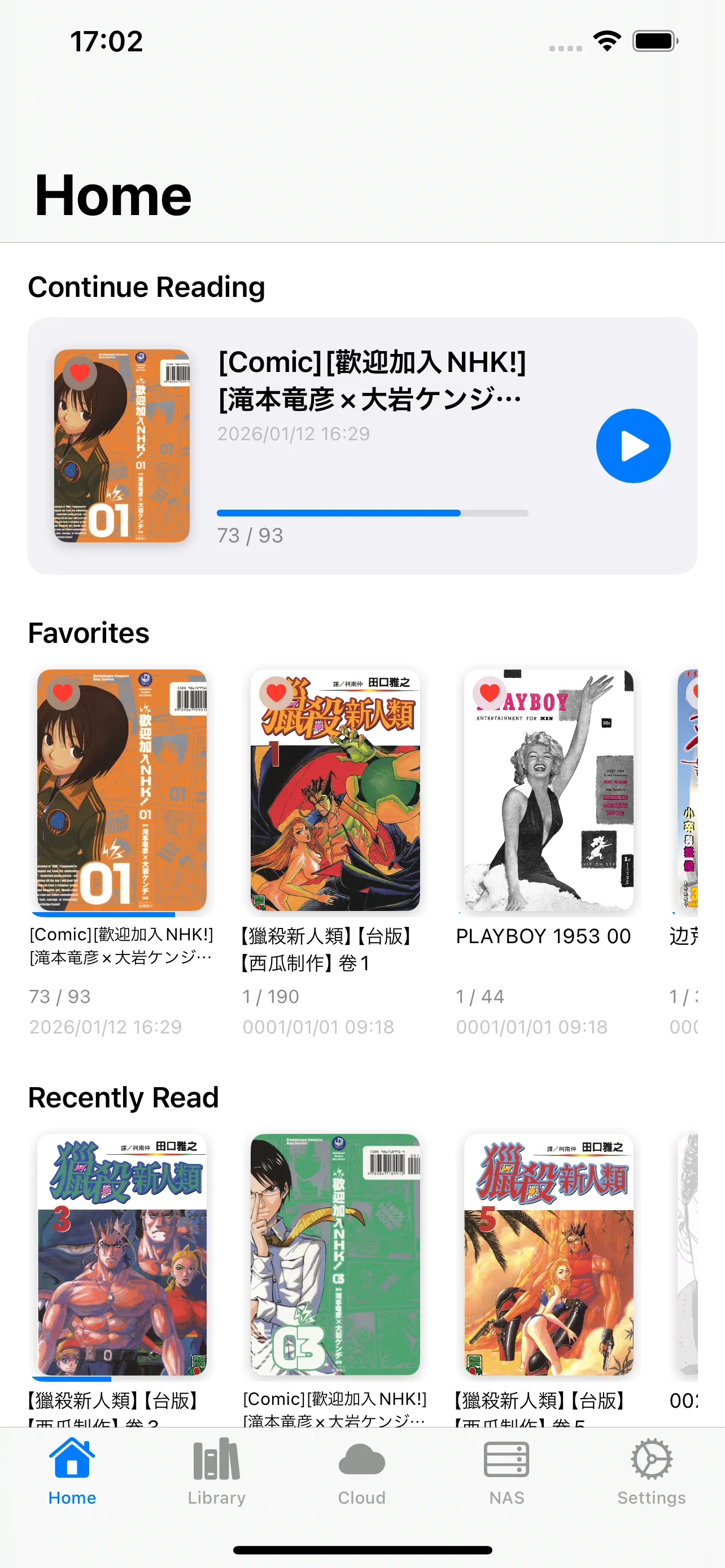
Scanned manga, comics, PDF books — leave them on iCloud, Dropbox, Google Drive or your NAS, and read instantly, page by page. An ad-free reader built for quiet reading.
By the numbers
The heart of ShelfStream — Your shelf, streaming
Shelve it
anywhere.
Read it right here.
The core concept of ShelfStream
01 — STREAMING
Even a multi-hundred-megabyte scanned ZIP opens the moment you tap it. ShelfStream fetches only the page you are reading and quietly prefetches the next — saving your storage and your time.
Your device keeps only the page you're on. The whole shelf stays on cloud and NAS.
Data transferred before you can start reading
02 — READING STYLES
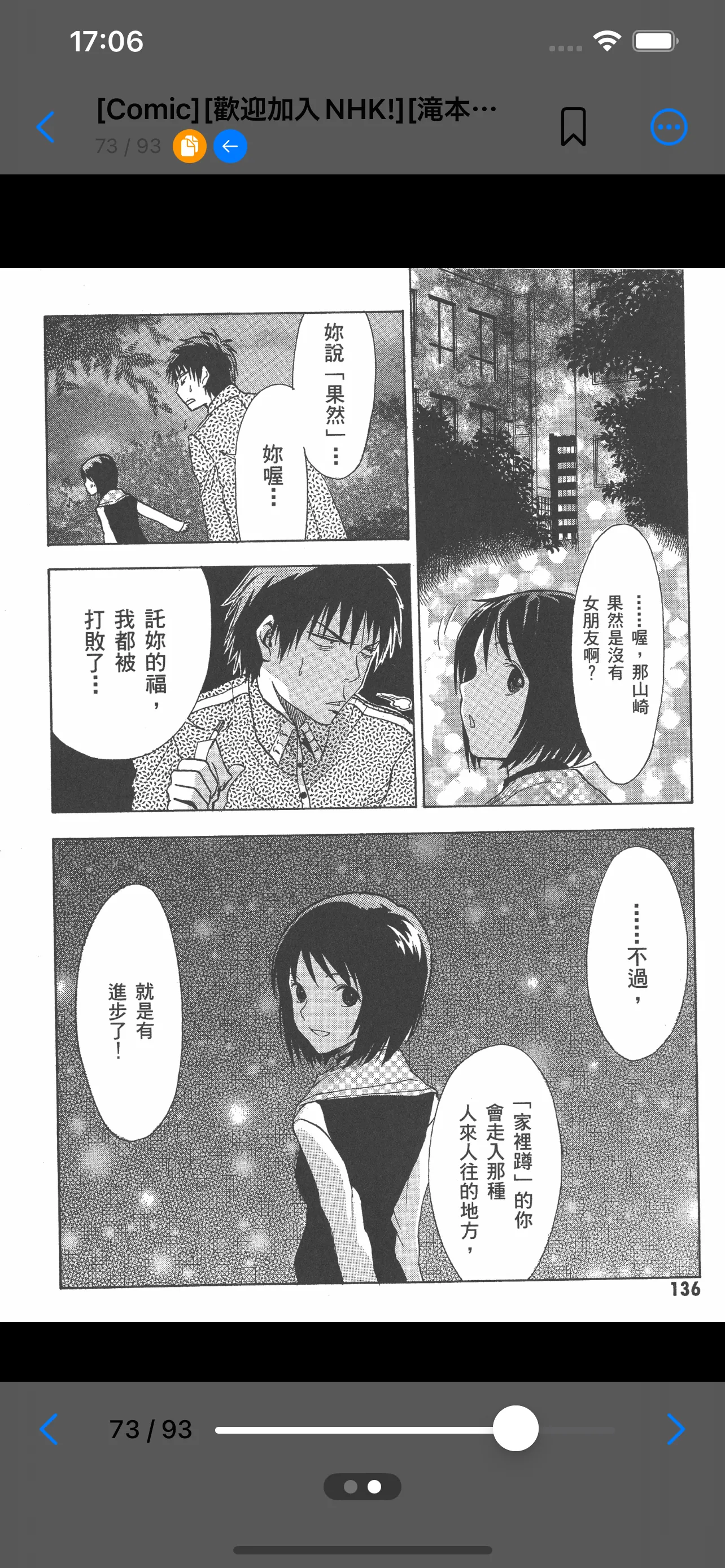
Right-to-left manga in two-page spread. Webtoons in one endless vertical flow. Technical PDFs one page at a time. Pick from 7 reading styles and ShelfStream remembers your choice for every book and series.
03 — LIBRARY
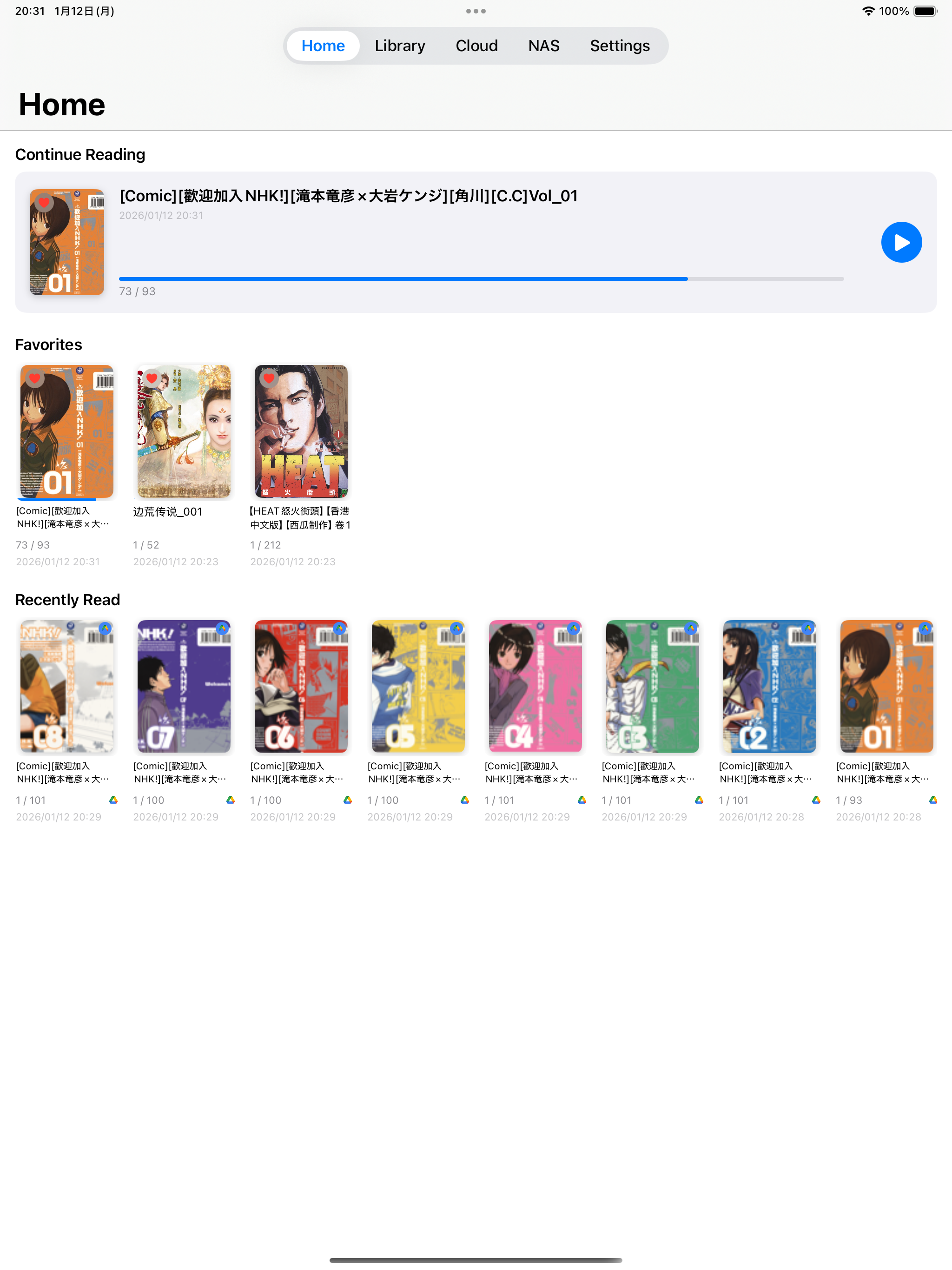
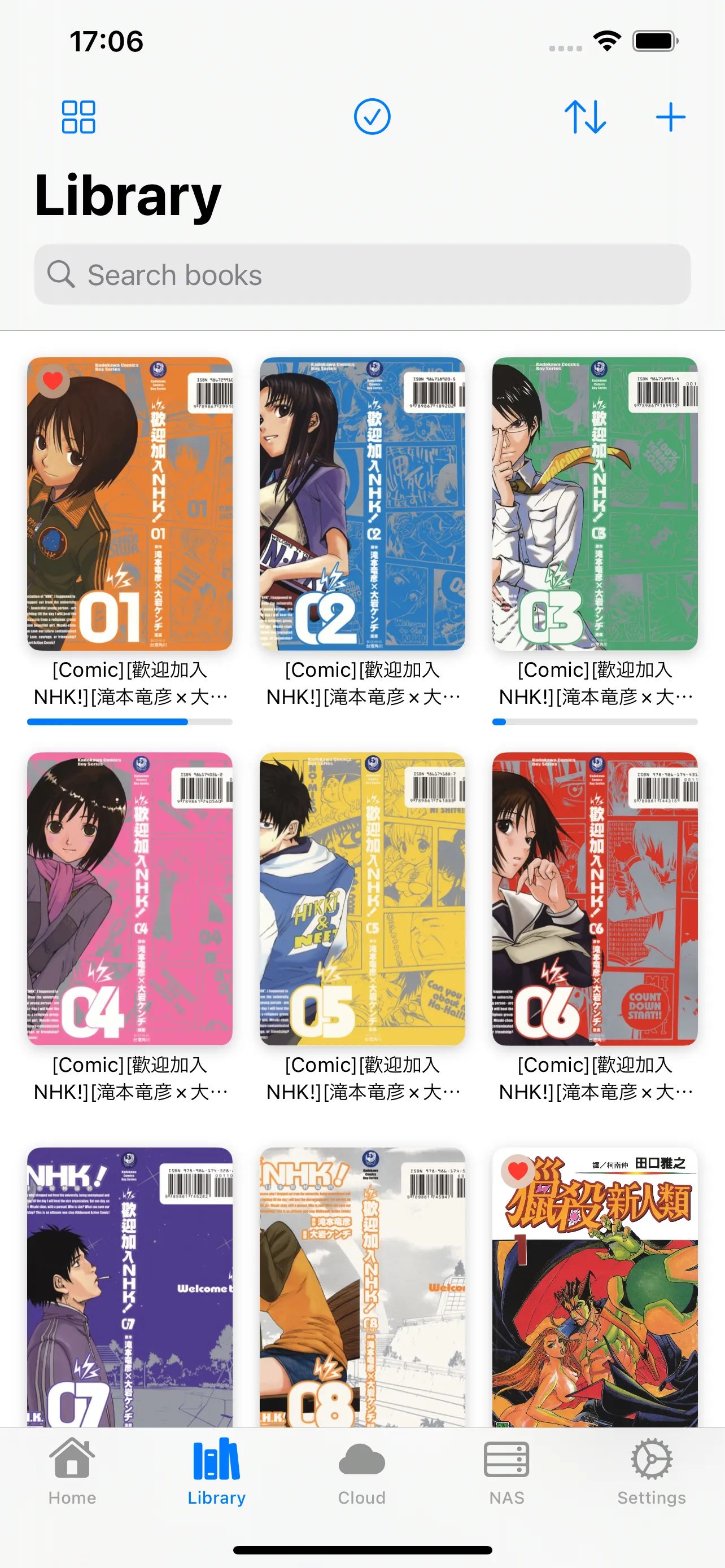
Local files, cloud drives and NAS shares meet in one library, organized by series. Bookmarks and reading history reopen exactly where you left off — on iPhone and iPad alike.
Everything supported
One table to answer every "will it read this?"
| Archive formats | ZIPCBZRARCBRPDF7z |
|---|---|
| Image formats | JPEGPNGWebPGIFBMPTIFF |
| Cloud storage | iCloud DriveGoogle DriveDropboxBox |
| NAS & servers | SMBWebDAVFTPSFTP |
| Reading styles | 7 styles — single page, two-page spread, vertical scroll (webtoon) and more. Saved per book and series. |
| Binding | Right-to-left (Japanese manga) and left-to-right (western books & comics) |
| Devices | iPhone (iOS 17.0+) & iPad (iPadOS 17.0+) |
| Languages | English, 日本語, 한국어, 简体中文 |
Quiet by design
Nothing interrupts your reading. No ads on any plan. No tracking SDKs. Just you, the page, and the quiet turn to the next one.
Pricing
Local reading is free forever. Cloud & NAS come with Premium.
$9.99/year (2 months free) · 7-day free trial
Try 7 days freeFree features stay free. Cancel anytime. Prices may vary by region.
FAQ
All major archive formats — ZIP, CBZ, RAR, CBR, PDF and 7z. Image files such as JPEG, PNG and WebP can be opened directly too.
iCloud Drive, Google Drive, Dropbox and Box. Books stream directly without downloading the whole file (a Premium feature).
ShelfStream supports SMB, WebDAV, FTP and SFTP. Just enter your server address and account details and read your manga and books straight from the NAS (a Premium feature).
Yes. ShelfStream offers 7 reading styles including vertical scroll (webtoon), single page and two-page spread, plus right-to-left and left-to-right binding. Settings are saved per book and per series.
Yes. Local file reading, all 7 reading styles, series management and bookmarks are free. Cloud & NAS streaming requires Premium ($0.99/month or $9.99/year, with a 7-day free trial).
No. There are no ads on any plan, including the free one — and no tracking SDKs either.
iPhone (iOS 17.0 or later) and iPad (iPadOS 17.0 or later). On iPad, layouts are optimized for the large screen, including two-page spreads.
Your shelf, streaming.
That book you scanned years ago opens on any device now. ShelfStream is a small tool for carrying your whole bookshelf with you.